
Master the Basics: How to Automate Your Lead Generation Using Zapier
Learn how to build your first automated lead generation funnel using Zapier in this step-by-step beginner's guide. Upskill your digital marketing career today with Minigo Digital.
5/23/20263 min read
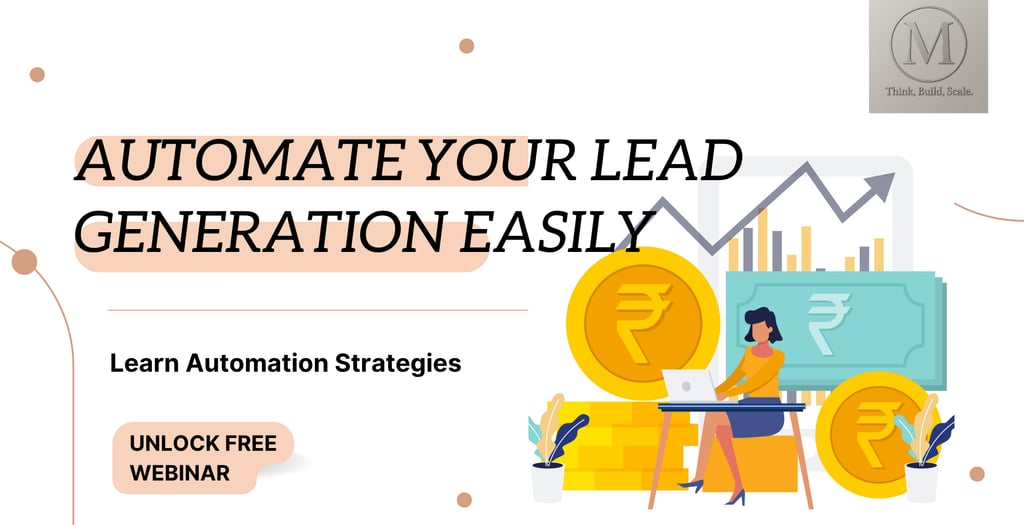
Master the Basics: How to Automate Your Lead Generation Using Zapier
In today’s fast-paced digital economy, speed is everything. If a potential customer fills out a contact form on your website and you take 24 hours to respond, there is a high chance they have already moved on to your competitor.
The secret weapon of top-tier digital marketers and successful businesses isn't a massive sales team—it’s automation.
If you are a student learning digital marketing, an aspiring entrepreneur, or a professional looking to upskill, mastering workflow automation is one of the most high-value skills you can acquire. In this guide, we will walk you through the absolute basics of setting up your very first Lead Generation Automation workflow using Zapier—no coding required.
What is Zapier and Why Does It Matter for Lead Gen?
Think of Zapier as a digital bridge. It allows different software applications—like Facebook Lead Ads, Google Sheets, Gmail, and WhatsApp—to talk to each other and pass information seamlessly.
In automation terms:
The Trigger: The event that starts the workflow (e.g., “A new lead fills out a form”).
The Action: What happens automatically as a result (e.g., “Save their details to a spreadsheet and send them a welcome email”).
By automating this process, you eliminate manual data entry, reduce human error, and ensure that leads are contacted instantly.
The Step-by-Step Blueprint: Automating a Simple Lead Funnel
Let’s build a classic, highly effective automation workflow.
Our Goal: When a user submits a lead form on your website (or Google Form), Zapier will instantly send their details to a Google Sheet (for tracking) and send them an automated "Thank You" email via Gmail.
Step 1: Set Up Your Trigger (The Lead Capture)
First, you need a way to collect information. For this beginner tutorial, we will use Google Forms.
Create a simple Google Form asking for: Full Name, Email Address, and Phone Number.
Log into your free Zapier account and click "Create Zap".
For the Trigger, search for and select Google Forms.
Set the Event to "New Form Response".
Link your Google account, select your form, and click Test Trigger. Zapier will pull in a sample response to make sure the connection works.
Step 2: Set Up Action #1 (Log to Google Sheets)
Now, we want a permanent database of all our leads so we don't lose them.
Create a blank Google Sheet with columns matching your form fields: Name, Email, Phone, and Date.
In Zapier, click the + sign to add an Action. Search for Google Sheets.
Set the Event to "Create Spreadsheet Row".
Connect your Google Drive and select the spreadsheet you just made.
Map the fields: Match the Google Sheet columns to the corresponding data pulled from your Google Form in Step 1.
Step 3: Set Up Action #2 (Instant Email Follow-up)
This is where the magic happens. We want to instantly engage the learner or client.
Add another Action step in Zapier and choose Gmail.
Set the Event to "Send Email".
In the "To" field, select the Email Address data from your initial Google Form trigger.
Write your subject line (e.g., “Thanks for reaching out to Minigo Digital!”).
In the body of the email, draft a personalized response. You can dynamically insert the lead's name using the data from Step 1:
"Hi [Name], thank you for your interest! Our team will review your details and get back to you shortly."
Test the step, make sure the email delivers perfectly, and hit Publish.
Congratulations! You just built your first automated lead generation funnel.
Why Learning This Skill Will Transform Your Career
If you are taking a digital marketing course or trying to land international clients, knowing how to run ad campaigns on Google or Facebook is no longer enough. The market is crowded.
However, when you can tell a client:
“I won’t just set up your Google Ads; I will also build a custom Zapier automation that instantly pushes those leads straight into your CRM and drops them a personalized WhatsApp message within 30 seconds,”
...you instantly transition from a basic freelancer to a high-value Digital Transformation Consultant. International clients in competitive markets like the US and the Middle East pay premium rates for professionals who understand how to optimize data workflows.
Ready to Take Your Digital Marketing & Automation Skills to the Next Level?
Building simple Zaps is a fantastic start, but it’s just the tip of the iceberg. True industry experts know how to build multi-step automation sequences, integrate complex Webhooks, connect advanced CRMs like HubSpot or Salesforce, and map out enterprise-level demand generation strategies.
Whether you are looking to fast-track your career, earn a premium income from global clients, or automate your own business growth, we have designed practical programs tailored just for you.
At Minigo Digital, we bridge the gap between basic marketing theory and elite technical execution.
Start Your Journey Today:
Explore Our Professional Courses: Master advanced SEO, Google AdWords scaling, and end-to-end Marketing Automation through our hands-on training modules.
Get Certified: Build a portfolio of real-world automation workflows that will make your resume stand out globally.
[Click Here to Inquire About Our Next Course Batch] or drop us a message through our chat portal to speak with an admissions counselor today!
Growth
Accelerate your business with our expert strategies.
Connect US
Email - sales@minigodigital.com
Contact Us +91- 9899676907
© 2025. All rights reserved.
Address - 29-D/4, 2nd Floor, Ward No.1, Mehrauli, 110030
New Delhi, India